

Monday to Friday, 9.00am to 4.30pm
Coming soon
Click to Pay is like contactless, but online. There is no need to enter card details at checkout while shopping online.
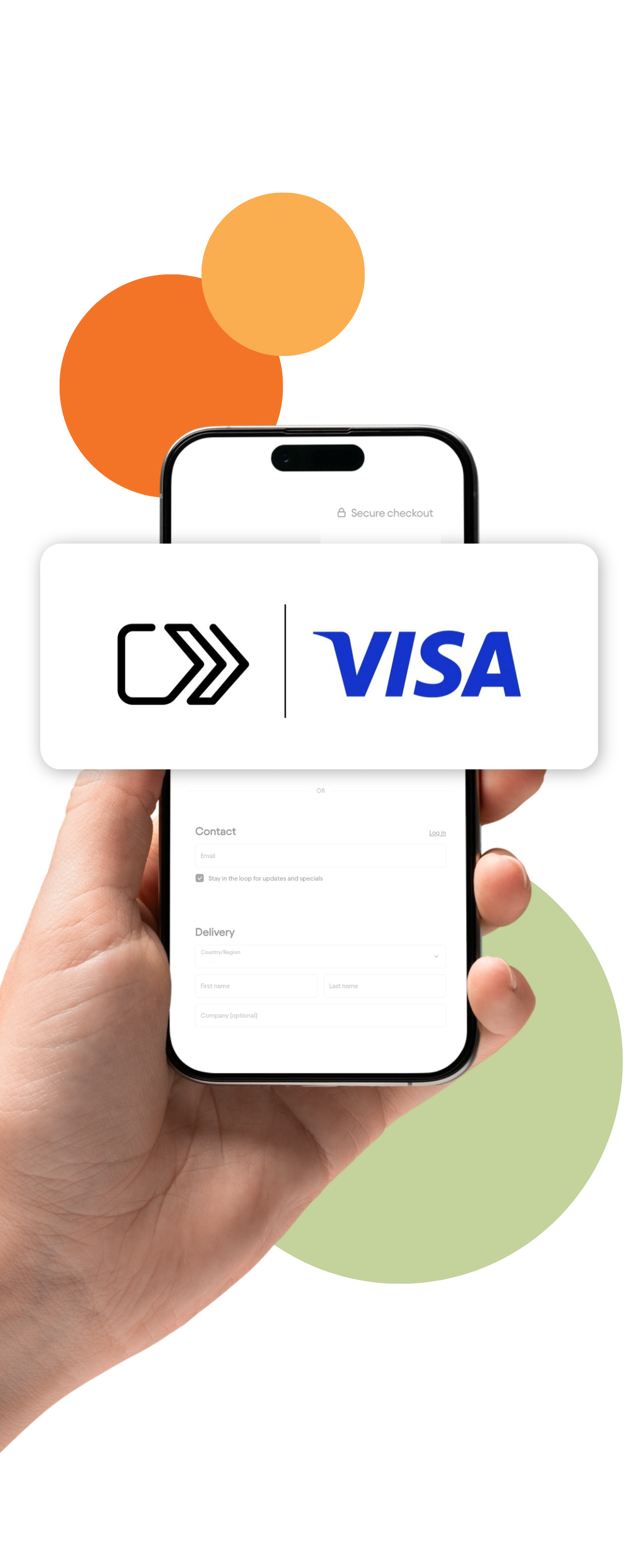
Simply look for the Click to Pay icon at checkout, enter your email or mobile number, verify with a one-time code and choose your card.

How Click to Pay works
Your eligible Visa card has been securely enrolled into Click to Pay as part of the rollout. You don't need to sign up to start using it. Click to Pay is optional, so you can choose whether to use it when shopping online.
Using Click to Pay at checkout
1. Look for the Click to Pay icon
At a participating online store, select the Click to Pay option at checkout.
2. Enter your email or mobile number
Enter the email address or mobile number linked to your Click to Pay profile.
3. Enter your one-time code
You'll receive a one-time code from Visa to confirm your payment.
4. Choose your card
Select the eligible Visa card you'd like to use.
5. Complete your purchase
Once your payment is approved, your checkout is complete.
You may be able to select "Remember Me" on a trusted device, which can make future Click to Pay checkouts quicker.
FAQs
No. Click to Pay is optional. You can continue entering your card details manually if you prefer.
No. Eligible Bank Orange Visa cards have been automatically enrolled as part of the rollout.
At participating online stores that support Click to Pay. Look for the Click to Pay icon at checkout.
There is no additional fee to use Click to Pay. Your normal card fees continue to apply.
Check that your registered mobile number or email address is up to date. If you're still having trouble, contact Bank Orange for assistance.
In most cases, your new card will be updated automatically so you can continue using Click to Pay.
Not currently. If you need help managing your Click to Pay details or removing your card, contact Bank Orange.
Yes. Contact Bank Orange if you'd like to remove your card. The removal request may take up to 24 hours to complete.
Click to Pay is designed to help protect your card details when shopping online. Your card number, expiry date and CVC aren't shared directly with the online store, and a one-time code may be used to confirm your payment.
As part of the Click to Pay enrolment process, Visa may perform a $0.00 authorisation check on your eligible card. You may see a pending $0.00 transaction for a short period before it automatically clears. This has no financial impact and is a standard part of the enrolment process.